Frequently asked
Questions, answered.
What is HuddleCare?
HuddleCare is a family care coordination app. You create a huddle (a
private care team for one person or pet), and everyone who helps logs
care in the same place: feeds, naps and diapers for a baby; medications,
vitals and a daily check-in for an aging parent; walks, feeding and vet
records for a dog or cat. Tasks, appointments, notes, messages,
documents and shared costs live alongside, and everything syncs in real
time to the web app, iPhone and Android.
Is HuddleCare really free?
Yes. The Free plan includes one huddle, up to 5 members, unlimited
tasks, medications, schedule events and care-log entries, 3 months of
history, 5 documents and PDF exports, with no credit card required and no time
limit. The Free tier will be ad-supported when ads launch; Plus and
Premium are ad-free. You only pay if you need more huddles, more
members, longer history, more storage, or the paid extras like direct
messages, photos and expense splitting.
Can I use HuddleCare as a baby tracker?
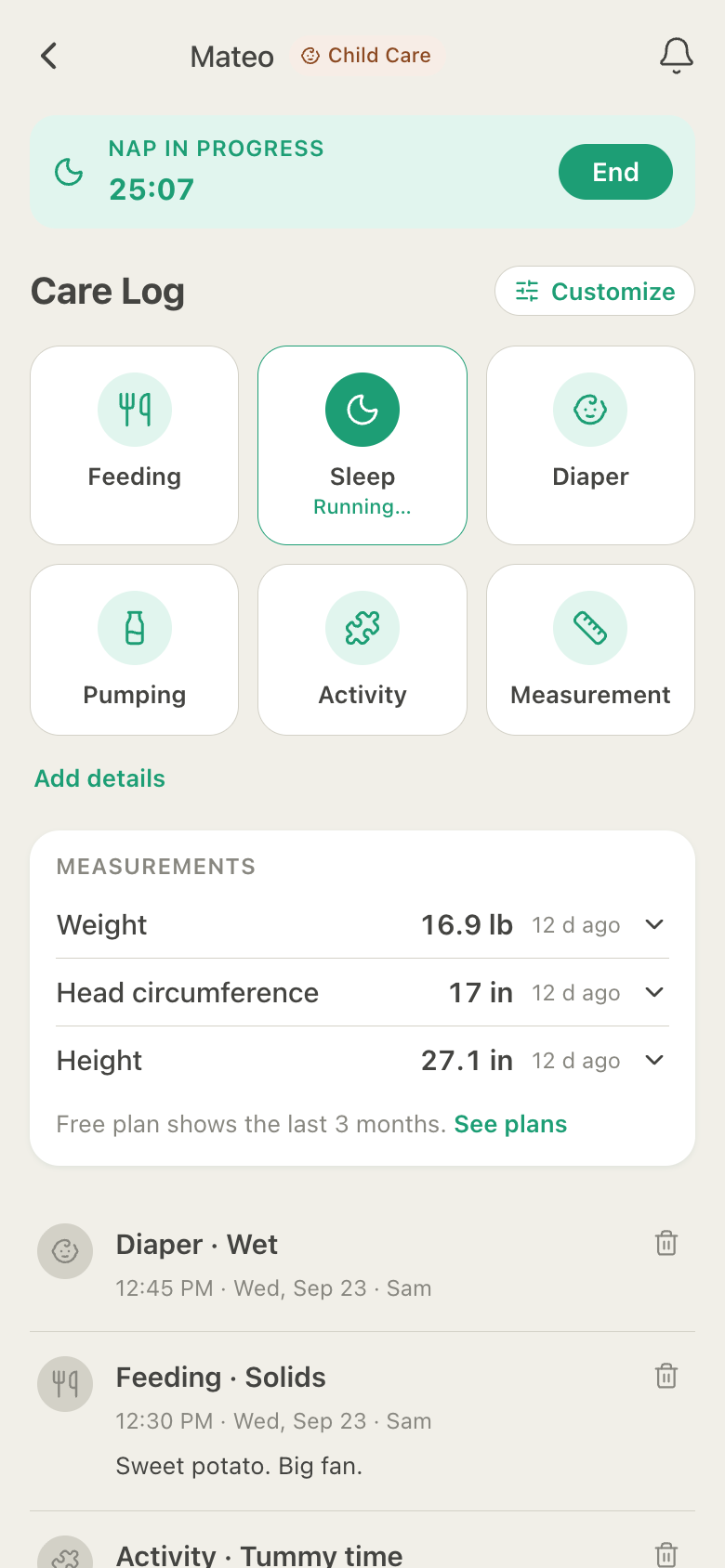
Yes. A Child huddle for a baby logs bottle, breast (left/right with a
timer) and solid feeds, naps and night sleep with a live timer, diapers
(wet, dirty, mixed, dry), pumping, activities like tummy time and bath,
milestones, symptoms and measurements such as weight, height and head
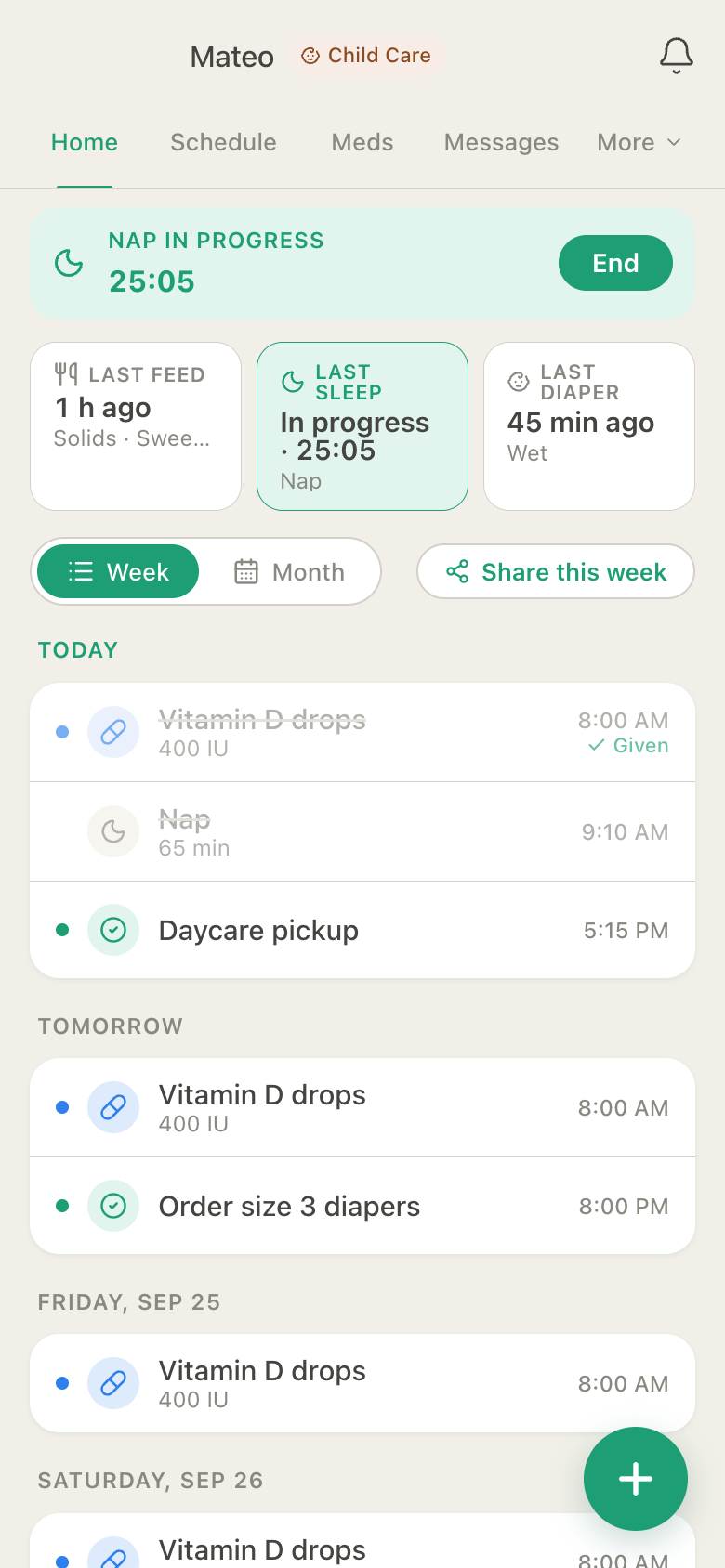
circumference. Last-done tiles show when he last ate, slept and was
changed, and the timer runs on every caregiver's phone at once. A
parent, a grandparent and a nanny all see the same nap.
Does HuddleCare work for co-parenting or a custody schedule?
Yes. In a Child huddle you can turn on a parenting schedule
(alternating weeks, week on / week off, or 2-2-3), and a band on Home and
the Schedule shows who has the child each day. Either parent can ask for
a swap on a given day; the other accepts or declines, and the history is
kept. Pickups and drop-offs are logged with who did them, checked
against the authorized pickup list.
How does HuddleCare help with an aging parent who lives alone?
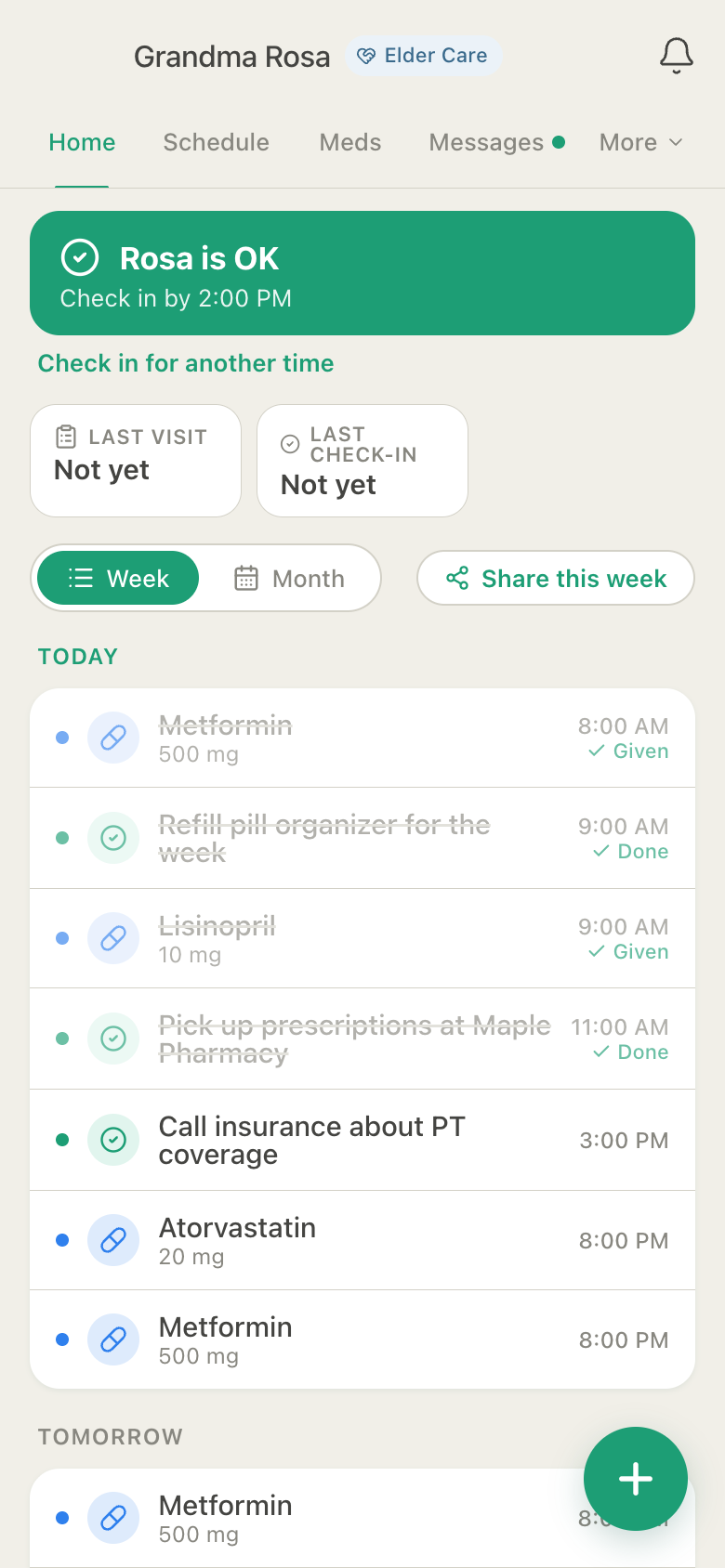
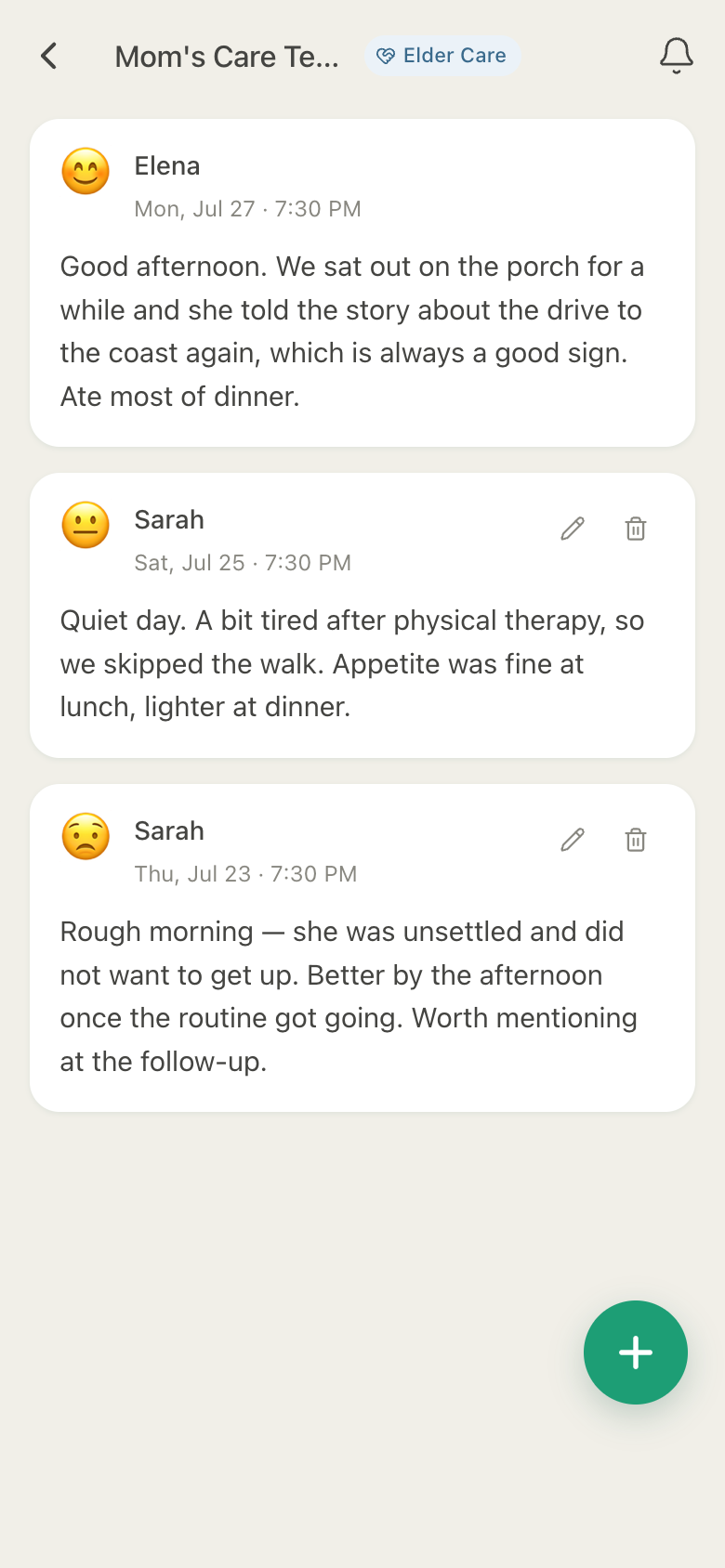
Turn on the daily check-in: a "Mom is OK" button that anyone in the
huddle (or Mom herself, with her own account) taps by a time you
choose. If nobody has logged anything by 15 minutes past that time, the
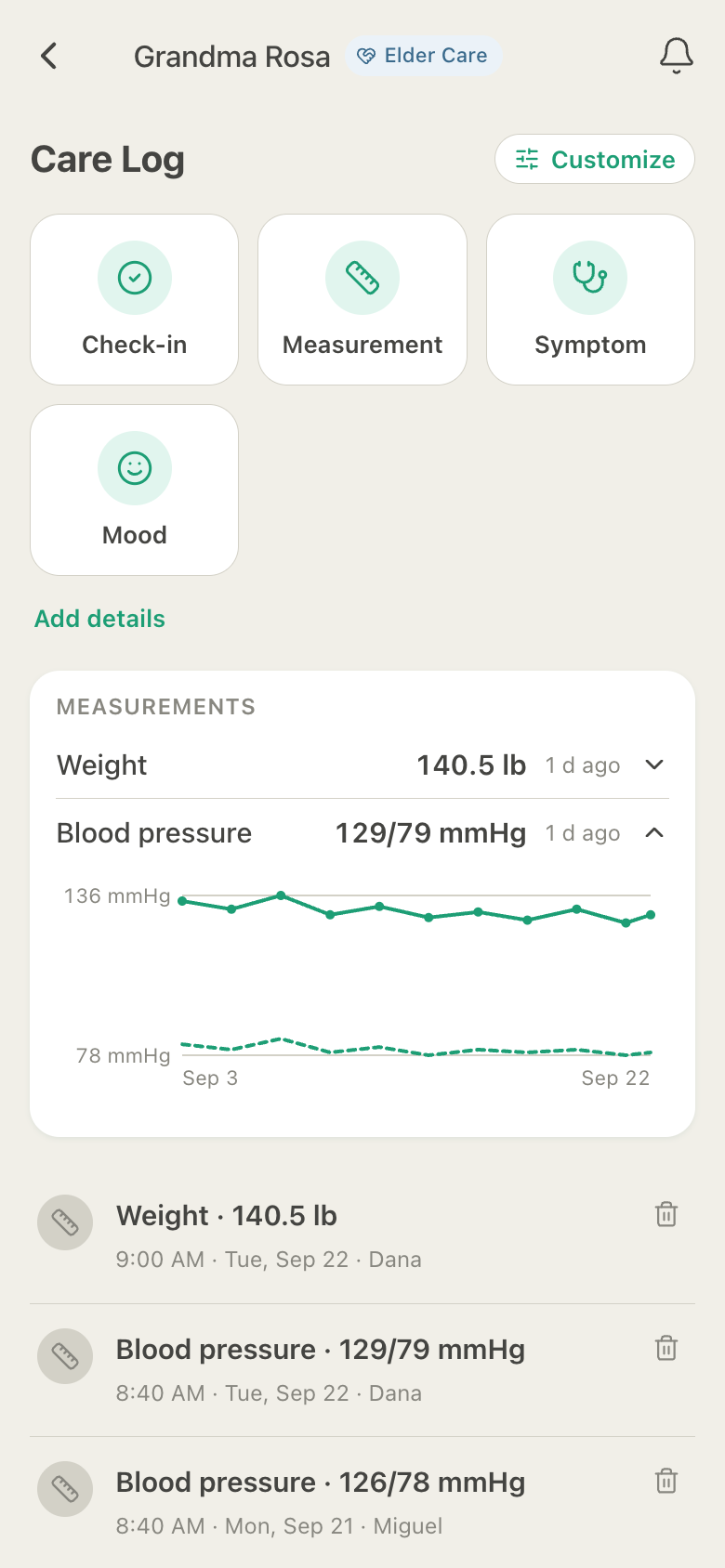
whole huddle gets a notification. Alongside it you can log blood
pressure, weight, glucose, oxygen, temperature and pain and see them
charted over time, keep the medication list and dose history, record
symptoms and mood, and leave visit notes after each visit.
Can the person being cared for use HuddleCare themselves?
Yes. Invite them as The One We Care For. They get their
own account and see their schedule, medications, messages and care
team; they can log their own doses and their own daily check-in if you
turn those on. They never see the journal or documents and have no
admin controls. This is enforced in the database, not just hidden in
the app. Every account holder must be 18 or older.
How is HuddleCare different from a group text or shared calendar?
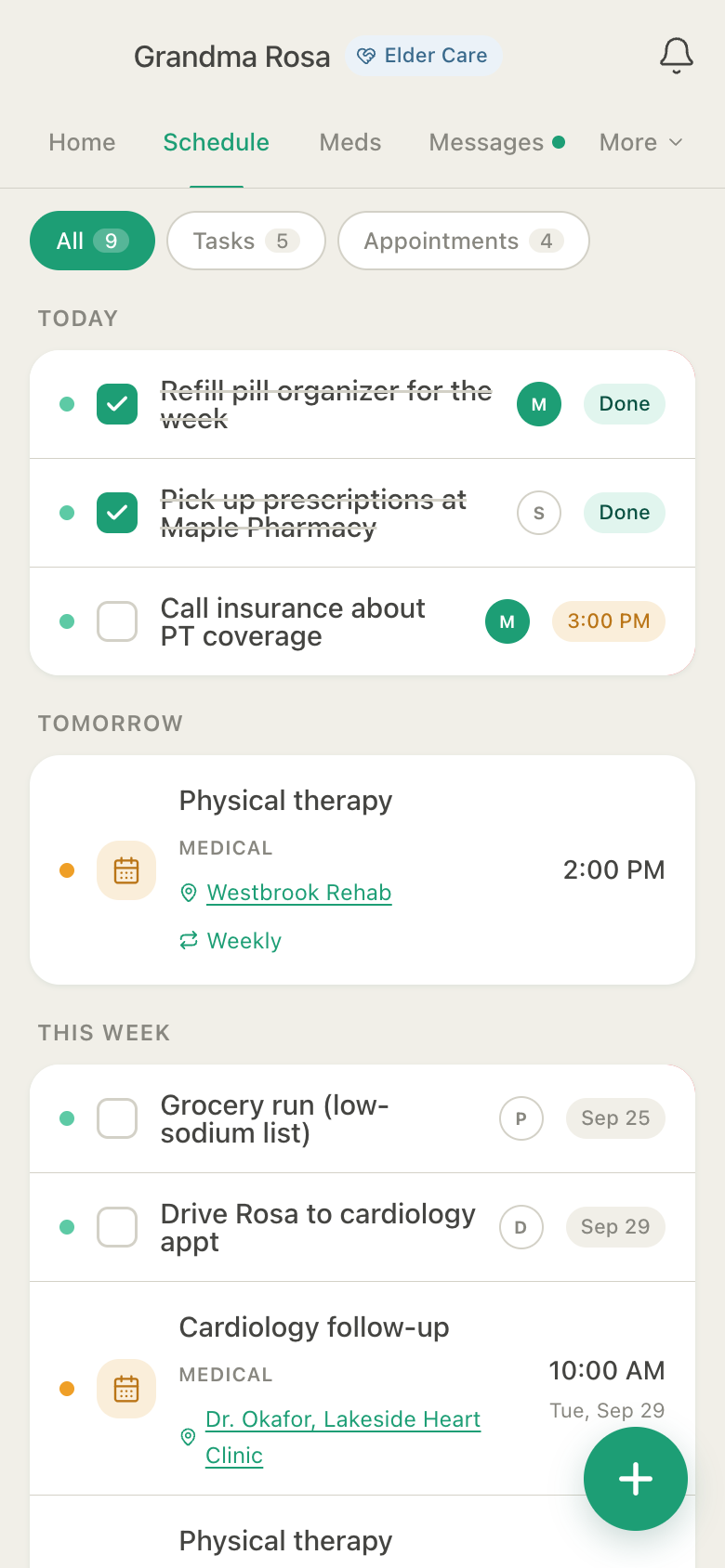
It's purpose-built for the caregiving workflow. Tasks, medications
with dose tracking, a per-type care log with timers, schedules, journal
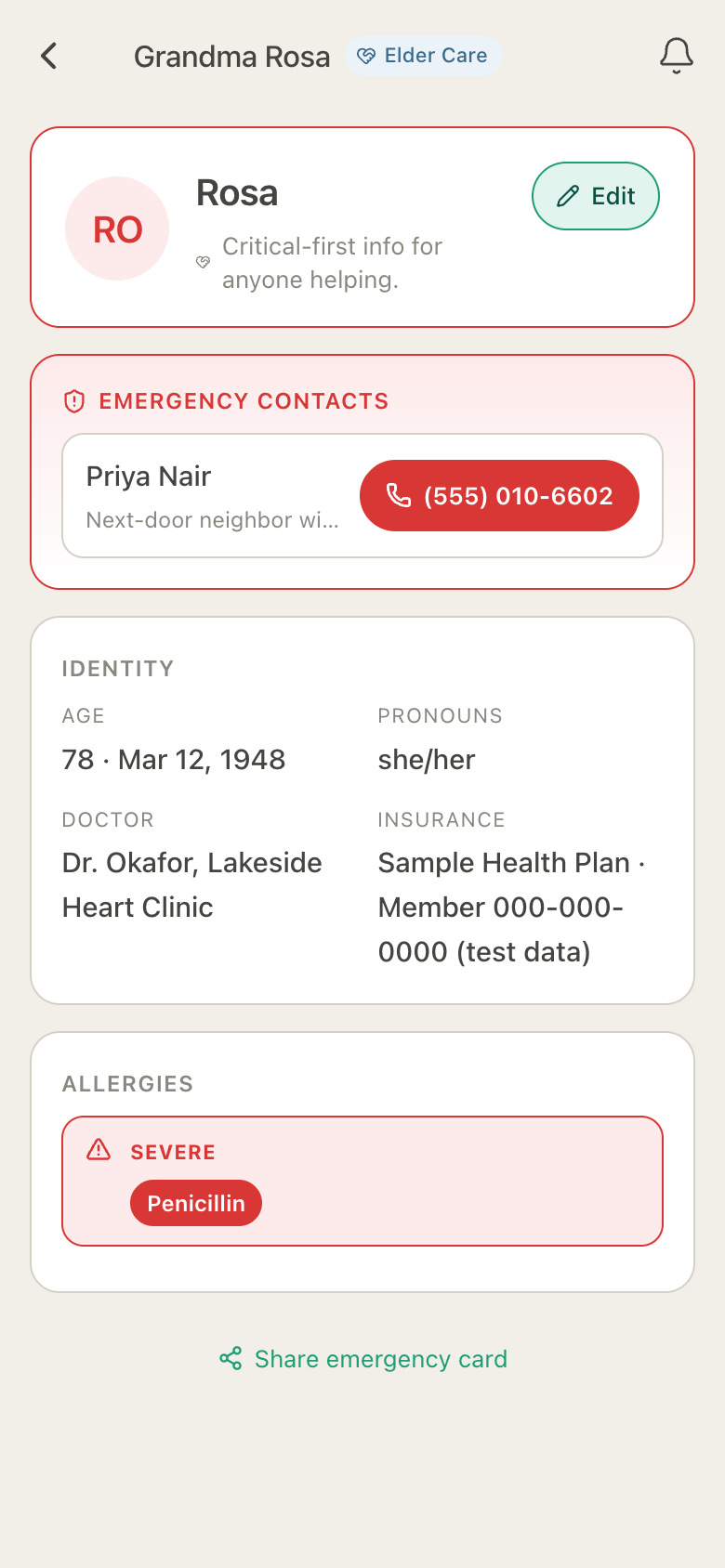
and visit notes, a shared documents vault, an Emergency Info Card,
sitter links and role-based access, all together. A group text can't
tell you whether Mom got her 9 AM dose or how long the baby napped;
HuddleCare can, and it keeps the record.
How does temporary access for a sitter, nurse or dog walker work?
Invite them as a temporary member with exactly the access they need:
View, Edit or Delete per feature (tasks, medications, care log, journal,
messages, documents, contacts and more). Then choose an expiry: four hours, a
day, a week or a date. When time's up, access revokes automatically,
enforced in the database. You can also mark specific medications as
hidden from temporary members. If they don't need an account at all,
share The Week Link or the Emergency Info Card by link instead.
What is The Week Link?
A read-only link to the next seven days (medications, appointments and
tasks) that a sitter, a school or a visiting relative can open without
an app or an account. Medication names are off by default (the link
just says "Medication" at each time) unless you switch them on. The
link is a snapshot of the week as shared, shows times in the care
recipient's time zone, can be turned off any time, and expires on its
own after the week.
Can HuddleCare track blood pressure, weight and other vitals?
Yes. Measurements are one of the care-log kinds. Elder huddles log
blood pressure, weight, blood glucose, oxygen saturation, temperature
and pain on a 0 to 10 scale; Child huddles log weight, height, head
circumference and temperature; Pet huddles log weight and temperature.
Each measurement gets a chart of raw values over time. HuddleCare
records what you enter and never adds thresholds, alarms or medical
advice.
What does HuddleCare do for dogs and cats?
A Pet huddle logs feeding against the feeding schedule (with a
missed-feeding alert), walks with a live timer, potty (including
accidents), litter box for cats, grooming, weight and symptoms. Health
records track vaccines, flea and tick, heartworm, deworming and dental
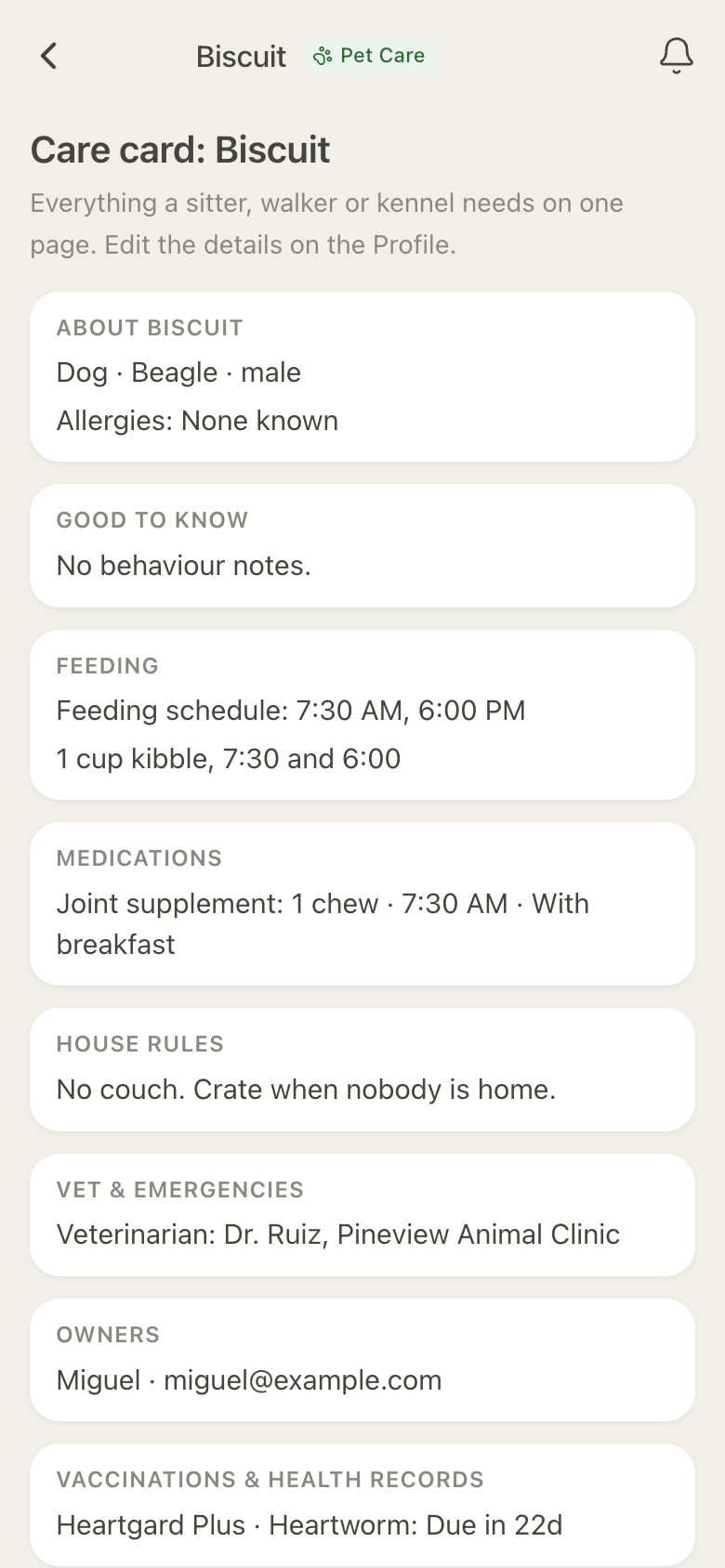
with reminders 30, 7 and 1 days before they're due. The Care Card puts
everything a sitter, walker or kennel needs on one page (feeding,
medications, house rules, behaviour flags, vet and emergency contacts)
as an in-app page or a PDF. Puppy mode reminds you after a set number of
hours without a potty log, only between 7 AM and 10 PM.
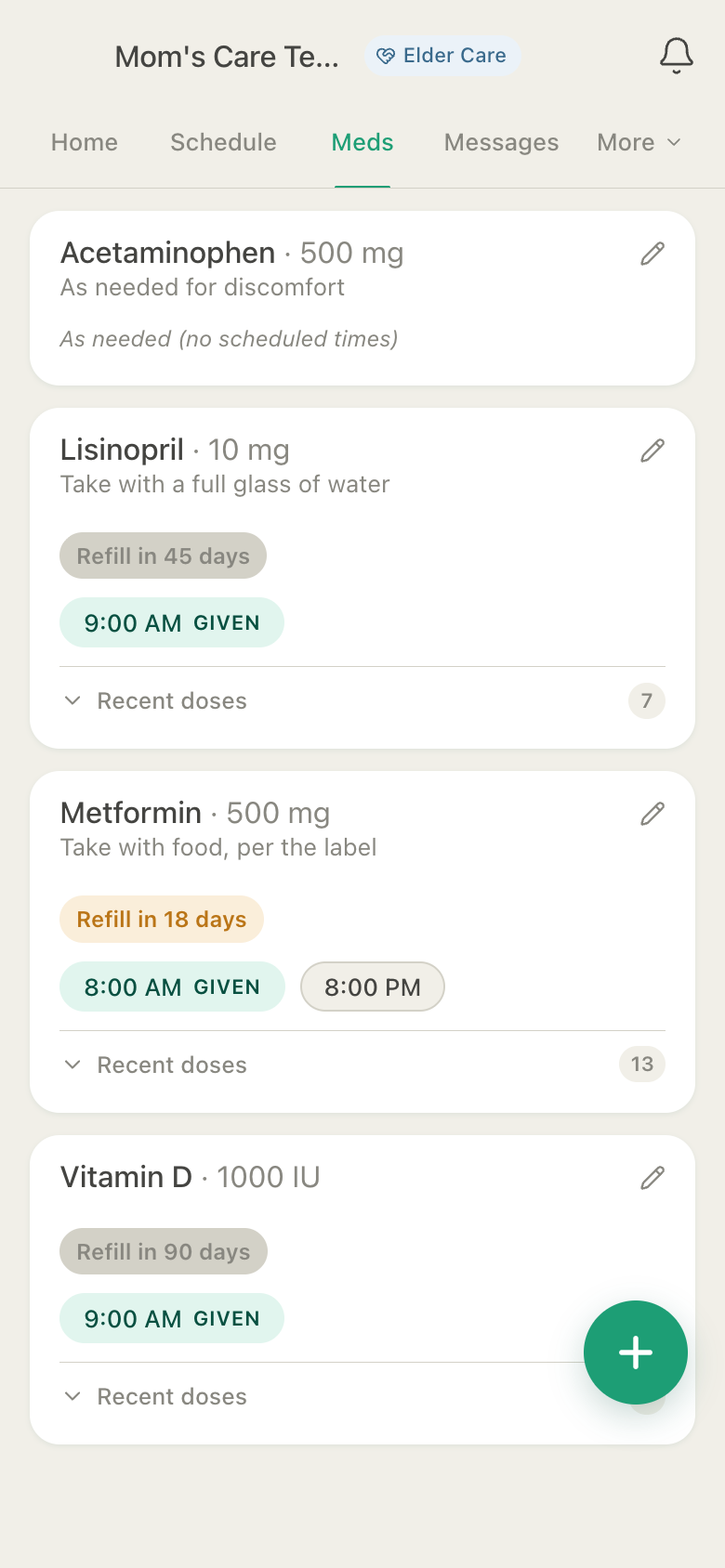
How do medication reminders and missed-dose alerts work?
Each medication has scheduled times; everyone who can see it gets a
"due" notification, and a dose is logged as given, or not given with an
optional reason (asleep, refused, nausea, out of stock, at school, held
per doctor). If a dose still isn't logged an hour after its time,
HuddleCare can notify a backup member you name. Refills can be tracked
by date or by remaining supply, which counts down automatically with
every logged dose. A weekly banner shows if doses were missed three or
more times, reporting only what was logged.
Can I share care costs with my siblings?
On Plus and Premium, Elder and Pet huddles have an Expenses page: log
what was paid and by whom, split it equally or with custom shares, and
see "Ana owes Luis $42.50" for the month. Mark it settled with a note of
how ("Venmo", "cash"). No money moves through HuddleCare. An optional
"Who's doing what" view counts tasks, doses, logs, visits and dollars
per member. Counts only, no ranking.
Is my family's health information secure?
Data is encrypted in transit (TLS) and at rest. Every read and write is
checked against huddle membership and per-feature permissions in the
database, not just in the app. Optional multi-factor authentication with
recovery codes protects your account. Organizers can see a care activity
log (kept seven years and never editable) of who viewed or exported
the medication list, a dose record, a journal entry, the Emergency Card
or a document. We do not sell your care content and do not use it to
target advertising. You can export or delete all your data at any
time.
Is there a web version?
Yes. HuddleCare is built web-first and runs in any modern
browser on your computer, tablet, or phone, with every
feature included and a desktop layout with a sidebar and a Today rail.
No install needed. The Android app is on Google Play, the iOS app is on
the App Store, and everything stays synced in real time across devices.
It also works offline: what you log syncs when you're back online.
Can I use it for multiple loved ones, like a baby and an aging parent?
Yes. Each huddle is organized around one person or pet. On Plus you
can run up to 5 huddles at once; on Premium, up to 10. The Today view
unifies everything across all your huddles into one daily list,
including a running nap or walk timer and what was logged today in
each.
What's the difference between Plus and Premium?
Plus is built for one engaged family: up to 5 huddles, 10 members
per huddle, 2 GB of storage per huddle, 1 year of history, direct
messages, photos and expense splitting. Premium is built
for complex care: up to 10 huddles, 25 members per huddle, 5 GB
per huddle, unlimited history, and unlimited temporary members.
What happens if I cancel?
Your account drops back to Free at the end of the billing period.
Nothing is deleted. Content beyond the Free plan's limits becomes
read-only until you upgrade again or trim it yourself. You can also
export all your data first.
Looking for something else?
Visit support.